
Storming the Car Deal: Auto Tempest
Introduction
You know how you want to sip your coffee, open up a website, and do your car searching. You want to do this once. You don’t want to keep entering the same search criteria for each individual site. The problem: you have to open Craigslist, then Autotrader, then Cars, and then Car Guru… the links…. The scrolling gets fatiguing.
The car sites are great, but then you break down and adventure into the horror of checking facebook marketplace. You find the car only to discover it is an ad for a car like that one. Grrrr…. 20 minutes gone…. you have no leads. So, how do you avoid all this hassle?
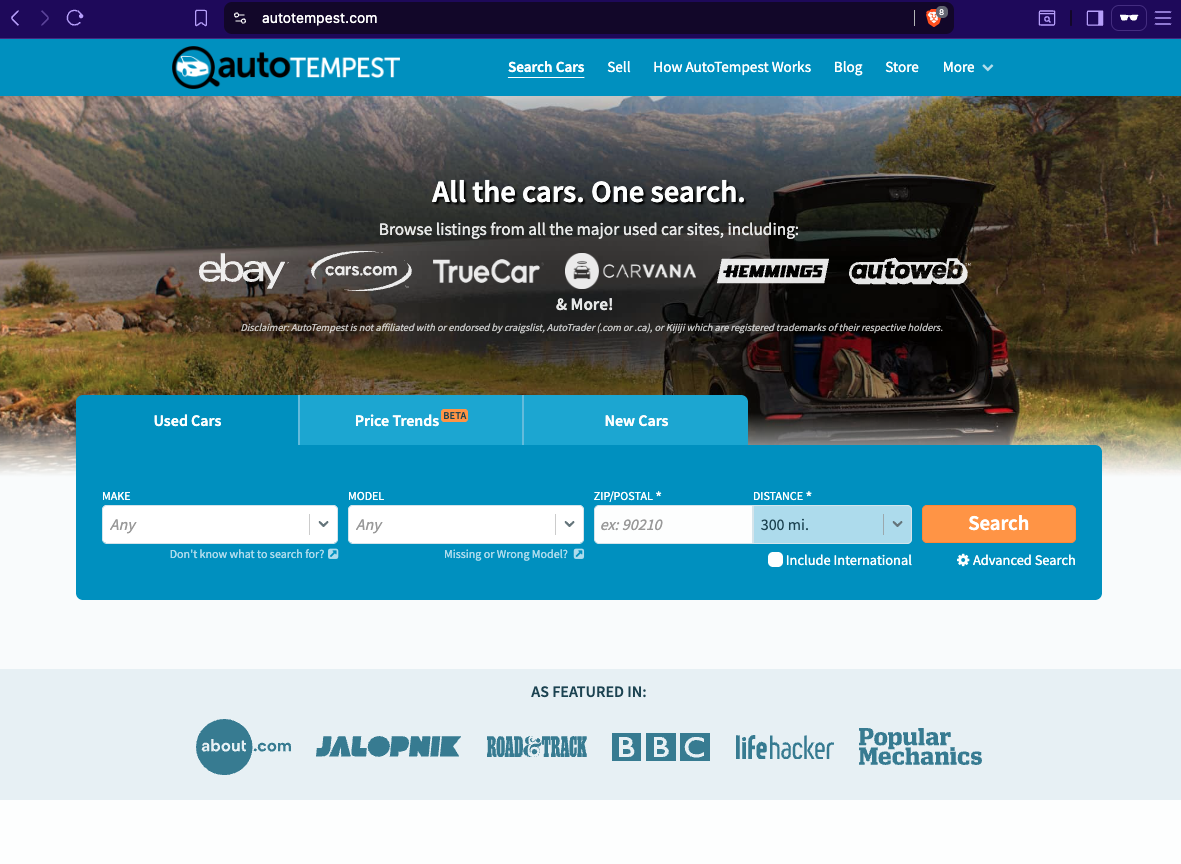
What is this site?
There is a site where you enter your search one time, and then you search all the other sites from this one search engine. This site is AutoTempest.com that storms the internet searching for your dream car.
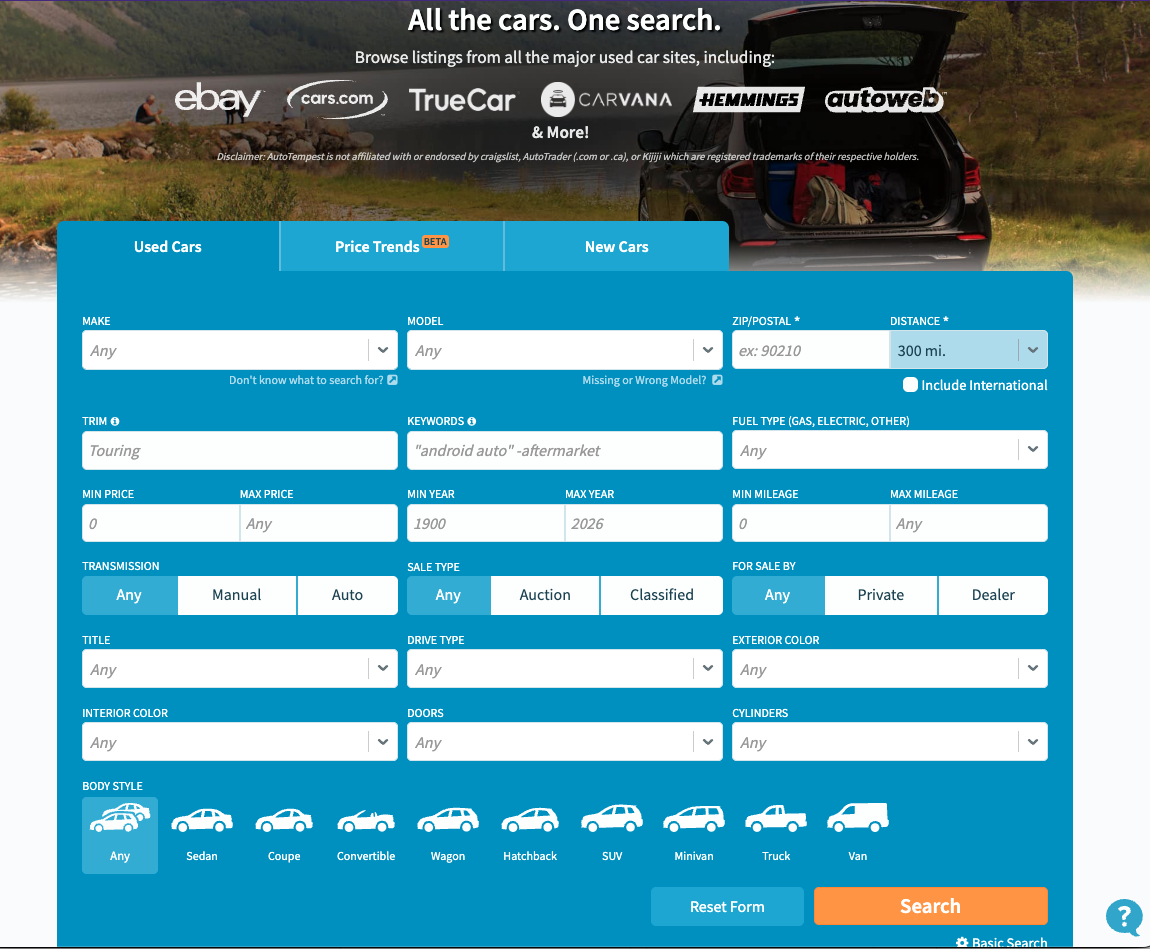
(This is the view where you click on the “Advanced” search on the lower right corner.)
A tempest is a storm. It is a violent storm that lasts for a time. AutoTempest is the auto search storm. You can storm the internet to find that dream car. This is a side project started by a Canadian Adam Hopkinson. He is a car enthusiast and wanted to make it easy for people to find cars on the internet. So, it aggregates the main sites like Auto Trader, Craigslist, EBay, Cars.com, Car Guru, Cars and Bids (Doug DeMuro’s auction site)…. The list keeps growing. You have to give it to the Canadian.
This tempest does work. It is important to note that there is no login in this site. It also helps when you have a login saved for each site. When you hit each site you can save the car.
So the first list will be populated with cars from cars.com. You can save the cars you like. So you do the same thing in Autotrader, Cargurus, and GASP even Facebook Marketplace. Any site that makes Facebook Marketplace easy to navigate deserves a Nobel Peace Prize.
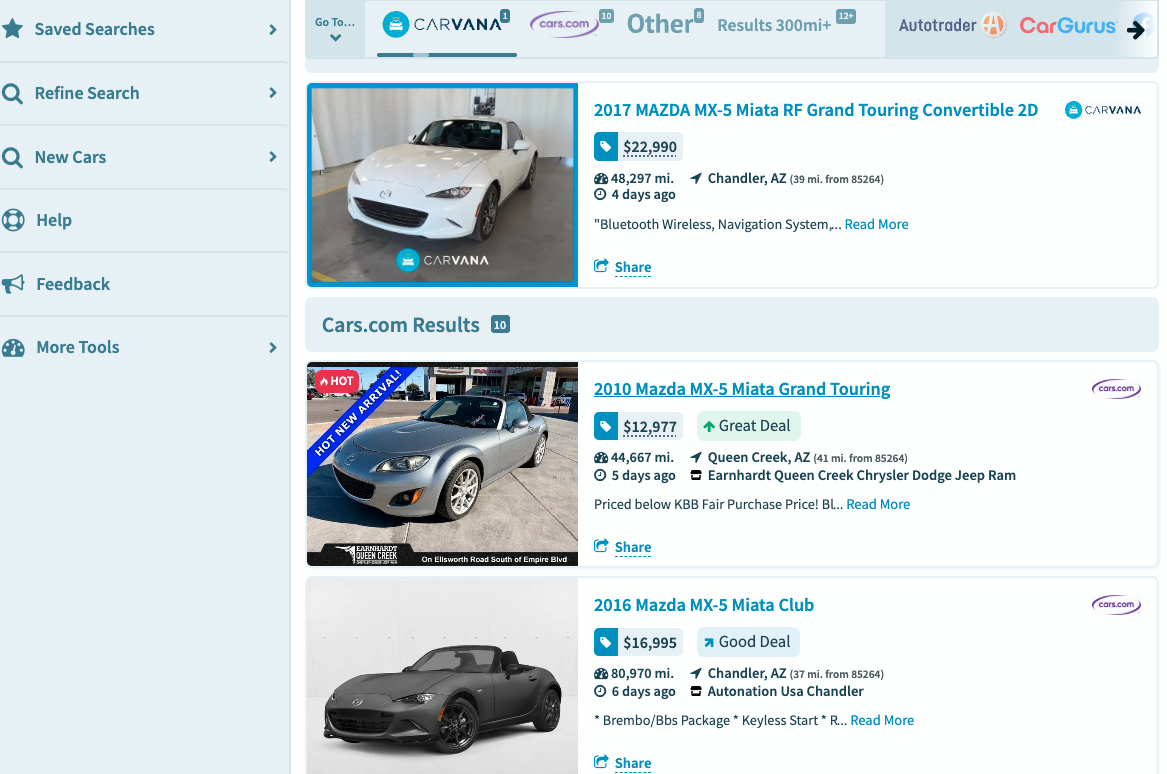
(This is after I hit search. You can see all the cars from cars.com. As you scroll down you will find the different cars that meet your criteria.)
The best way is just to enter your login credentials into the individual sites like Car Gurus, AutoTrader, etc., and make sure you are logged into your account. This way, you can save the search, and you will just have to check your email throughout the day to find the new cars.
The one big advantage of this site is navigating Craigslist by region. This one is really nice. Craigslist is just that old system that does not die. In fact, when I list things in Marketplace and Craigslist, I end up selling them on Craigslist. So, you can search multiple cities on Craigslist, regions, or nationwide.
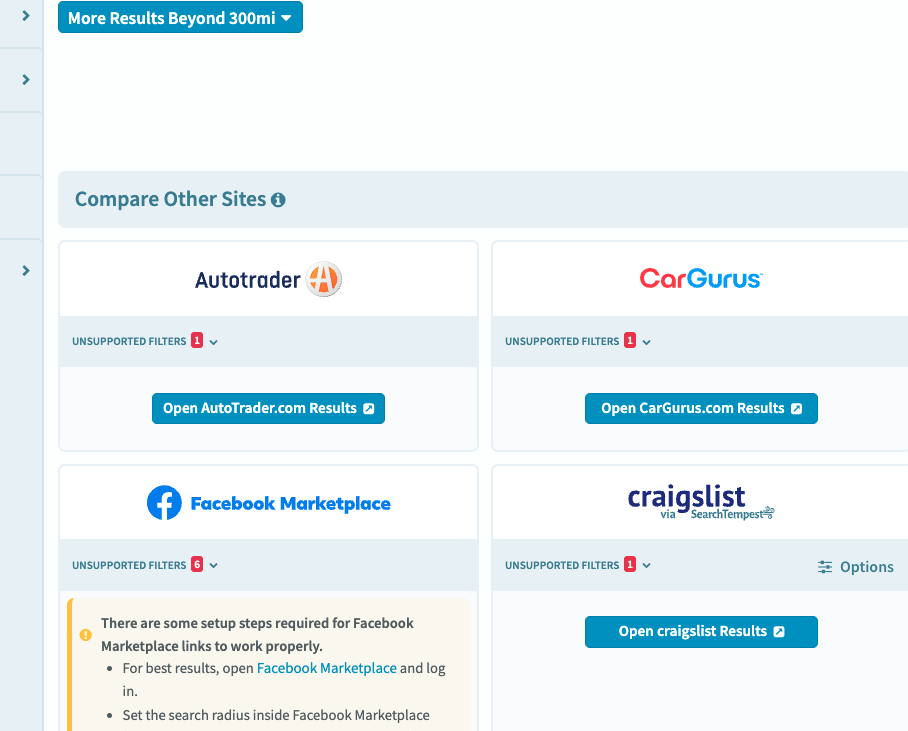
(You see the option for “Craigslist.” You simple click that link and you will have options to search beyond your local community.)
This is amazing because Craigslist is a bit of a bear to set up this kind of search. Craigslist does not do well with saving searches, and this is where I open Auto Tempest to set the search criteria and run it on Craigslist. I like Craigslist because it is where you can find a private seller and skip the dealer. It is always scary to buy a sports car from a dealer. Did the owner autocross it and cook the oil? Well, if you can interview the seller, you get an idea of how they used the car.
Autotempest has an option to enter your e-mail. Supposedly, it will email you the searches, but it has not worked well for me. It has been hit and miss. It would be cool if they could get this working well! The site keeps improving, so hopefully it can be sorted out.
Would you recommend this service?
Yes, if you want to find a used car. This service is great! I think what I mentioned above are all reasons to use this. There are things that can be improved:
It would be nice to have an account so you can save your searches on every device. Right now, you save a search probably by a cookie. So, if you jump between your computer and iPad you have to do the same search again. This is 100% a first-world problem. It’s like going to Baskin-Robbins and wanting 32 flavors instead of 31. Sometimes we need to remember we have 31 flavors!
It would be nice to set up a search for multiple vehicles. For instance, one vehicle I am looking for is the twins (Bro-yota 86/GR/BRZ/FRS). AutoTempest makes it so you search for one vehicle at a time. I would like to save a search like in AutoTrader with multiple models. I would like to save a search and call it the BroYota Twins.
It would be nice if they would be able to tap into CarFax’s search engine. This might be more of a CarFax issue rather than an AutoTempest issue. I think CarFax might be getting a little greedy and making it difficult to get into their system. It might be that AutoTempest is working on it. However, if they are not working on it, this would be a great addition to the platform.
Overall: yes, I would recommend this service. This is a free service, and it works really well. It serves to bridge the gap of jumping from ad site to ad site to find a car. This is something that I open every day to check out and explore some options.
Conclusion
The problem is almost solved. I think there are some improvements that could be made. However, we have to give credit to an enthusiast with a great idea. AutoTempest is a way to navigate the car storm of the internet. The site might initially appear a little clunky, but as you sort through the site, it is a pretty awesome tool to find that dream car. Check it out! It’s not like it costs you anything. Do you have any auto tempest hacks? Share them in the comments. Now, I am going to finish my coffee and find my dream car.
(Updated 4/2/2026 @ 6:48)